Free game · Ages 3 to 8
Sticker scene maker for kids
Pick a background, tap the stickers to add them and drag them into place. When you finish, save or print your scene.
Where shall we build the scene?
Tap a sticker below to put it here
For parents and teachers
What they practice while playing
- Creativity: making up a scene and telling its story.
- Vocabulary: the game says the name of each sticker when you add it.
- Spatial words: above, below, in front, behind, big and small.
- Fine motor skills, dragging each sticker into place.
No ads, no sign up and no personal data: everything happens in the browser. A little screen time, then print and color with real crayons.
Free printables
These pictures, on paper too
Every picture in the game is in one of our free PDF sheets, no sign up.
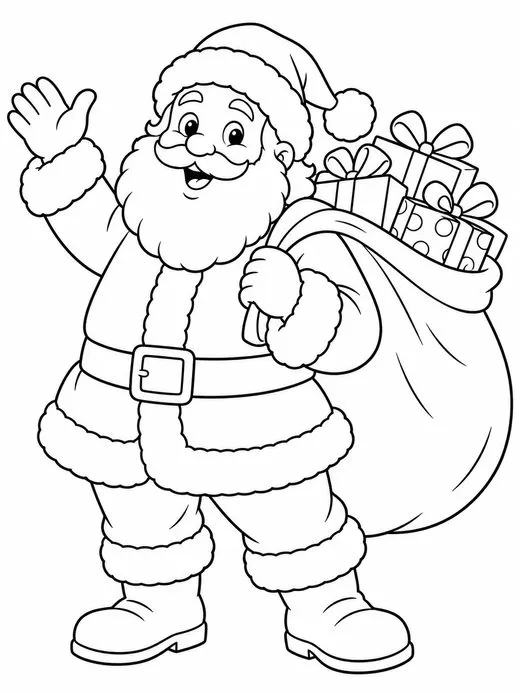 Free
Christmas Coloring Pages
3 big coloring pages in a free PDF
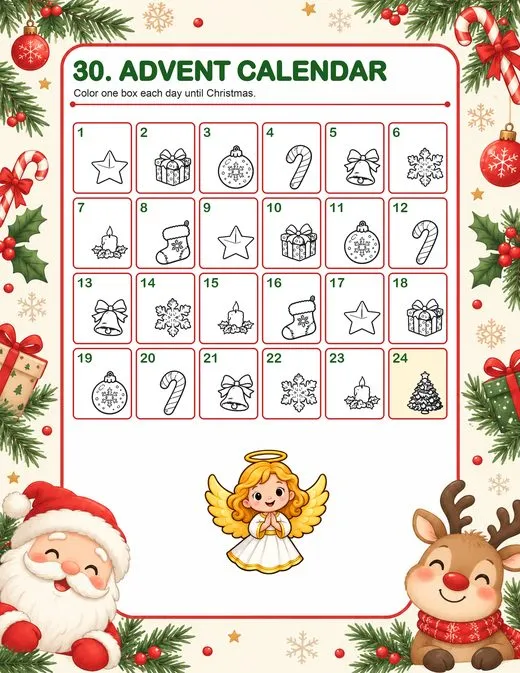 Free
Printable Advent Calendar
24 squares to color until Christmas
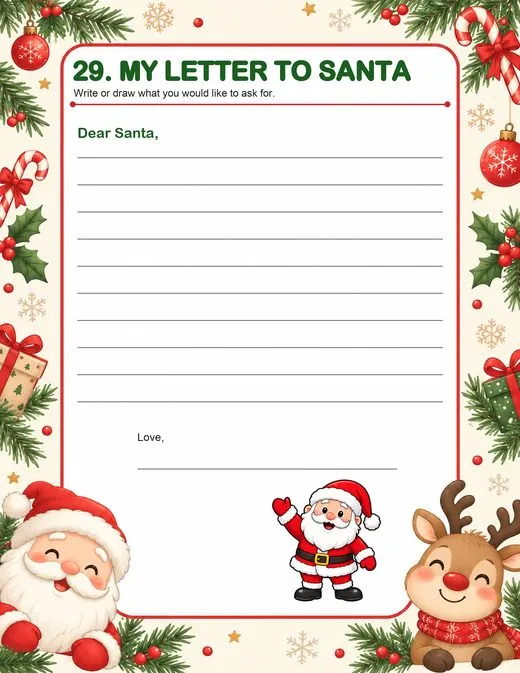 Free
Printable Letter to Santa
To write or draw their wishes
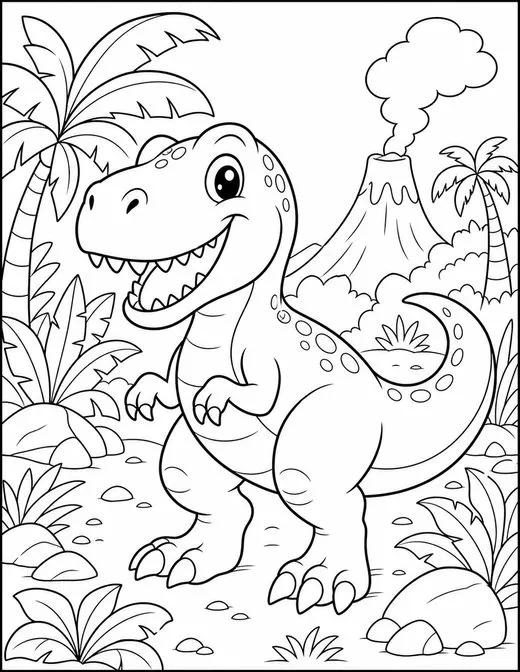 Free
Dinosaur Coloring Pages
3 big dinosaurs in a free PDF
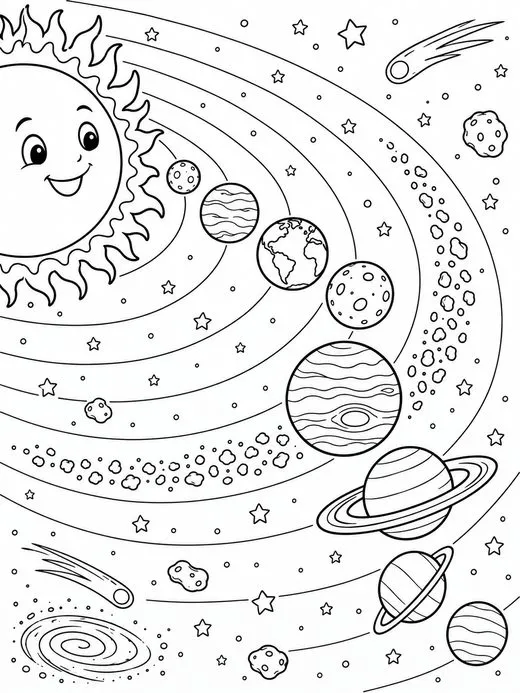 Free
Solar System Coloring Page
The planets to color and learn
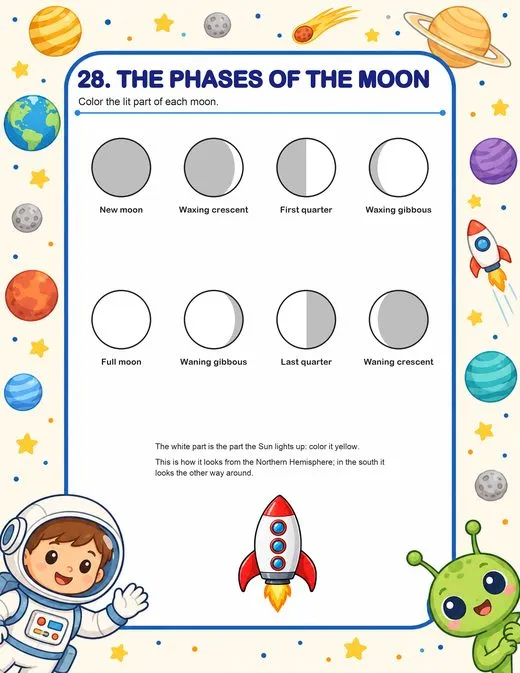 Free
Moon Phases for Kids
All 8 phases to color and learn
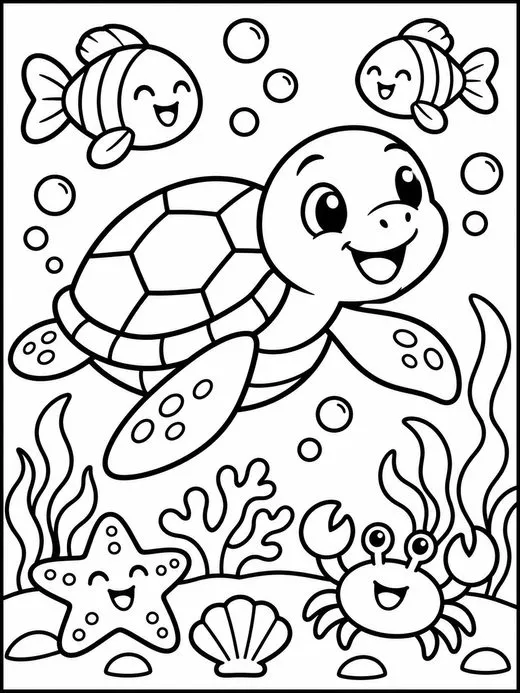 Free
Sea Animal Coloring Pages
3 sea animals in a free PDF
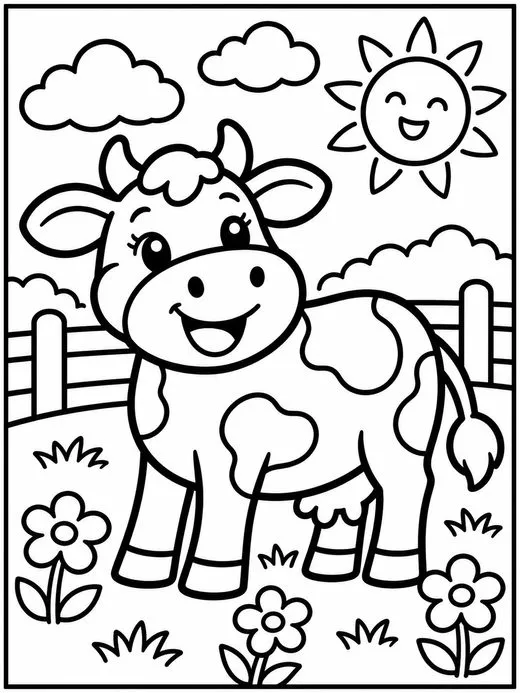 Free
Farm Animal Coloring Pages
3 farm animals in a free PDF
FAQ
About the sticker scene maker
Is it free?
Yes. The sticker scene maker is free, with no sign up and no ads.
How do you play?
Pick a background and tap the stickers below to add them to the scene. Drag each one into place, and use the buttons to make it bigger or smaller, flip it or remove it. There are no points and no timer: it is for making things up.
Can you mix themes?
Yes. The tabs in the tray show the stickers for each theme, and all of them can go on any background: a dinosaur on the Moon or a penguin on the farm.
Is the scene saved?
The scene for each background is saved on that same device, so it is still there when they come back. It can also be downloaded as a picture with the save button.
Can you print it?
Yes, with the printer button. Good for hanging it up, giving it away or making up a story from it.
What if they do not know where to start?
The crossed arrows button adds five random stickers to get going. After that they can be moved, swapped and added to.
Does it work on a phone?
Yes, on a phone, tablet or computer, with nothing to download. On small screens, turning the phone sideways makes the scene bigger.